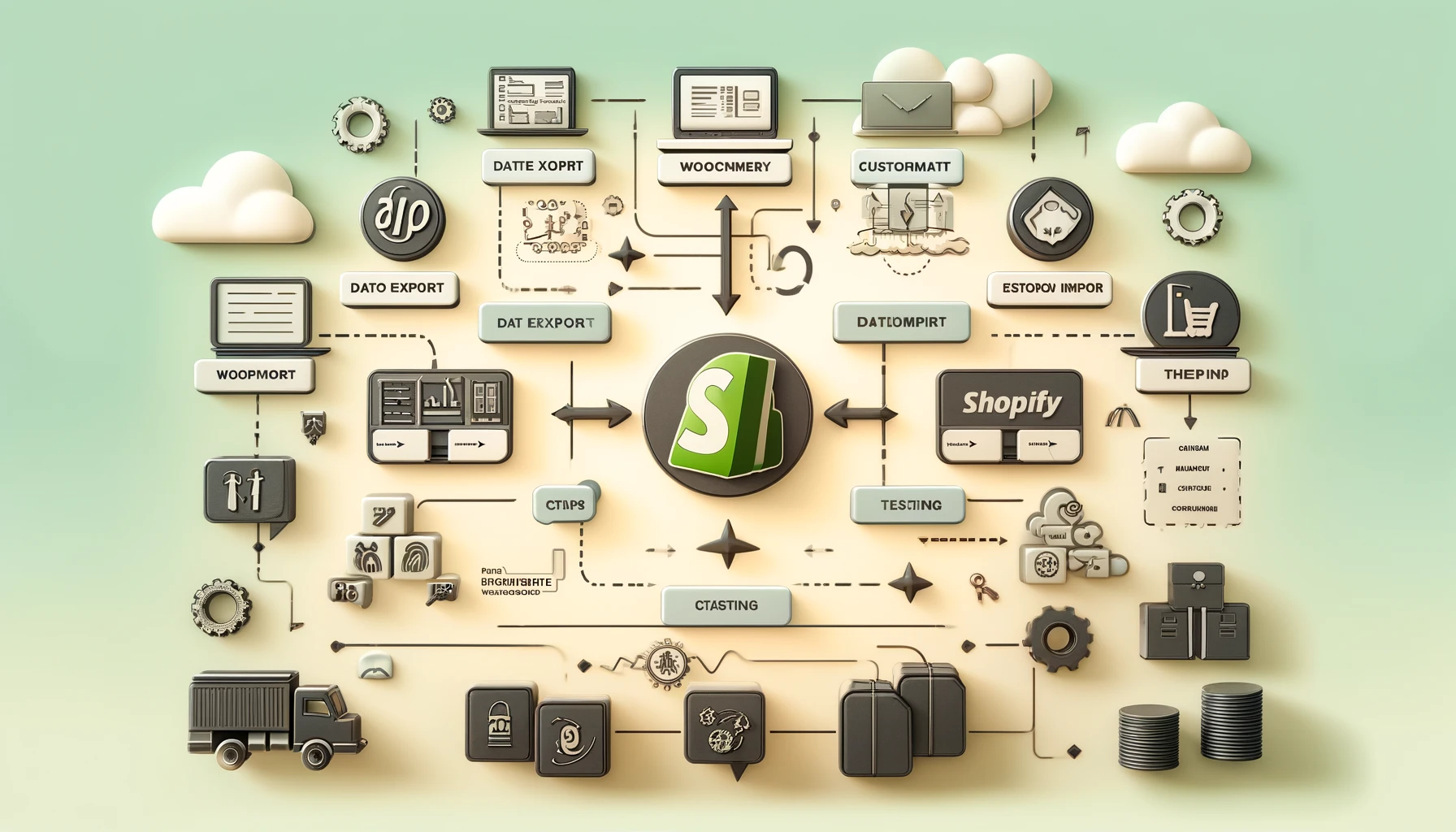
Online Store Migration: WooCommerce to Shopify
Migrating your eCommerce store from WooCommerce to Shopify can transform your online business by offering a more intuitive platform, enhanced support, and advanced features. Whether you seek simplicity, scalability, or better tools, Shopify is an excellent choice. This comprehensive guide will walk you through every step to ensure a smooth, efficient transition.
Understanding the Benefits of Shopify
Before starting the migration, it’s crucial to understand why Shopify might better suit your business needs. Shopify stands out for its user-friendly interface, vast app ecosystem, and exceptional customer support. Being a fully hosted platform, Shopify eliminates the hassle of server management and security concerns, allowing you to focus entirely on growing your online store.
Preparing for the Migration
Preparation is vital for a successful migration. Begin with a detailed audit of your WooCommerce store to identify which products, customer information, and content need transferring. Backup your entire WooCommerce database and files to prevent any data loss during the transition.
Choosing the Right Migration Method
Several migration options are available for moving your store from WooCommerce to Shopify:
- Manual Migration: Export WooCommerce data manually and import it into Shopify. Although time-consuming, it gives you full control over what gets migrated.
- Automated Migration Tools: Use services like Cart2Cart or LitExtension to automate the migration process, minimizing errors and saving time.
- Professional Migration Services: Hiring experienced migration experts ensures a hassle-free process, though it may involve higher costs.
Step-by-Step Migration Process
- Set Up Your Shopify Store: Sign up for a Shopify account, select a theme that matches your brand, and customize your store’s design.
- Export Data from WooCommerce: Use WooCommerce’s built-in export tools to download products, customers, and orders, including necessary details like descriptions, images, and SKUs.
- Import Data into Shopify: Utilize Shopify’s import tools to upload the CSV files exported from WooCommerce. Carefully follow the instructions to ensure all data imports correctly.
- Recreate Important Pages and Content: Manually rebuild pages such as the homepage, About Us, and blog posts on Shopify. Update all internal links to avoid broken navigation.
- Test Your New Store Thoroughly: Prior to launch, check for broken links, confirm that all products display accurately, and verify the checkout process functions smoothly.
- Set Up 301 URL Redirects: Configure 301 redirects from your WooCommerce URLs to your Shopify URLs to preserve SEO rankings and provide a seamless user experience.
- Launch and Promote Your Store: Once everything is ready, launch your Shopify store. Inform your customers about the migration and promote your new storefront through email campaigns and social media.
Post-Migration Considerations
After migrating, closely monitor your store’s performance using Shopify’s analytics dashboard and Google Analytics. Watch for any drops in traffic or sales and address issues promptly. Additionally, explore Shopify’s app marketplace to enhance your store with apps that boost marketing, customer engagement, and operational efficiency.
Conclusion
Migrating from WooCommerce to Shopify may seem challenging, but with thorough planning and a structured approach, it can be seamless and rewarding. By leveraging Shopify’s powerful features and apps, you can enhance your eCommerce store’s functionality and user experience. Remember, the key to a successful woocommerce to shopify migration is detailed preparation, careful migration execution, and ongoing post-migration optimization. Follow these steps to set your business up for sustainable growth on Shopify.
Frequently Asked Questions (FAQs)
Migration requires careful planning but can be straightforward, especially with automated tools or professional assistance.
You can migrate products, customer data, order history, product images, and most store content.
Properly setting up 301 redirects from old URLs to new Shopify URLs helps preserve your SEO rankings.
Automated tools save time and reduce errors, while professional services offer hands-free, expert handling at a higher price. Choose based on your budget and technical comfort.
The timeline varies depending on store size and migration method but typically ranges from a few days to a couple of weeks.
if you want to know about Shopify Shipping Zones then please visit our Business Category.