Introduction
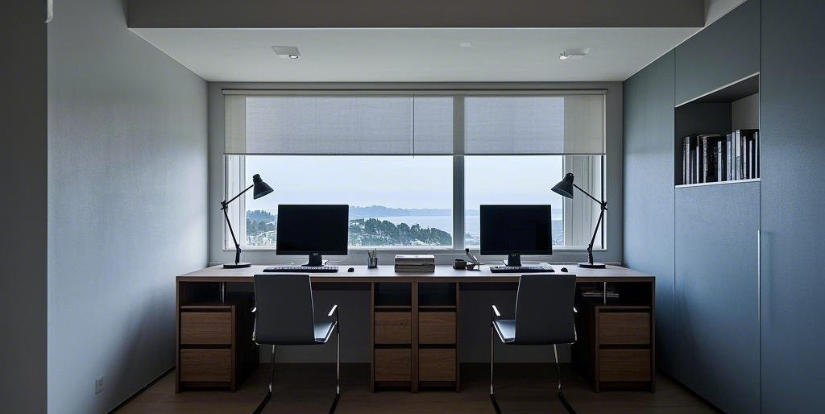
In the age of hybrid work and remote collaboration, having a dedicated home office is essential. For families, couples, or roommates sharing their workspace, a double-desk home office offers a perfect blend of function and style. This practical setup boosts productivity while providing individual space.
Whether you’re working alongside a partner or sharing with a friend or family member, a double desk design can transform your home into a creative, efficient workspace. This guide explores inspiring, stylish, and functional double desk home office ideas tailored for shared work environments.
| Aspect | Details |
| Benefits | Enhances collaboration, optimizes space, reduces costs |
| Planning Tips | Evaluate space, define user needs, prioritize ergonomic comfort |
| Popular Layouts | Side-by-side, back-to-back, L-shaped, extended desks |
| Essential Furniture | Durable desks, ergonomic chairs, smart storage solutions |
| Personalization | Incorporate plants, artwork, cohesive color schemes, and zone delineation |
| Specific Needs | Couples: Coordinated furniture; Families: Adjustable desks; Roommates: Individual accessories |
| Productivity Boosters | Keep clutter-free, respect boundaries, ensure strong Wi-Fi, create break zones |
| Conclusion | Stylish, adaptable, and functional shared workspace solutions |
Why Choose a Double Desk Home Office?
Sharing a workspace doesn’t mean sacrificing style or functionality. A double desk home office provides numerous advantages such as easier collaboration, optimized use of space, and cost savings. It also supports personalized setups to meet individual preferences, making it ideal for today’s modern homes.
Key Planning Tips for a Double Desk Home Office
Assess Your Space
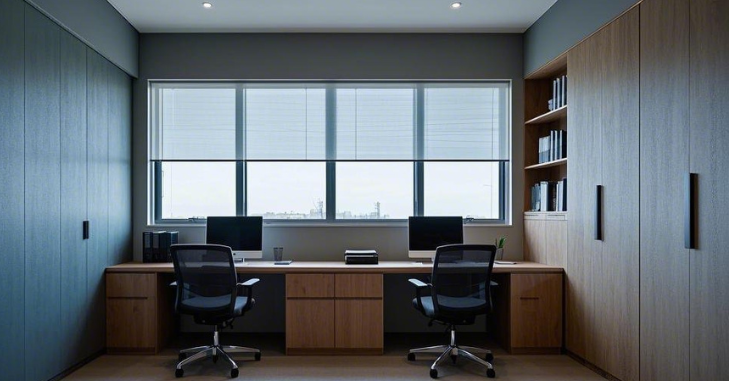
Begin by measuring your available space and considering potential layouts. For smaller areas, explore options like wall-mounted desks or corner configurations to maximize usability without crowding the room.
Define Your Needs
Understand the individual requirements of each user, including desk size, storage, and lighting preferences. Align these with your overall design goals to create a cohesive workspace.
Prioritize Ergonomics
Comfort is essential for long work sessions. Invest in ergonomic chairs with adjustable height and lumbar support, and desks that promote proper posture and reduce strain.
Innovative Double Desk Home Office Layouts
1. Side-by-Side Desks
- Collaboration Friendly: Encourages communication and teamwork during shared tasks.
- Maximize Natural Light: Place near windows to benefit from ample sunlight.
- Shared Tools: Utilize communal boards or organizers to enhance teamwork.
2. Back-to-Back Arrangement
- Privacy Focus: Offers quieter personal space for focused work.
- Visual Separation: Use dividers like bookshelves or acoustic panels for added privacy.
- Compact Design: Efficient use of space keeping the room uncluttered.
3. L-Shaped Configuration
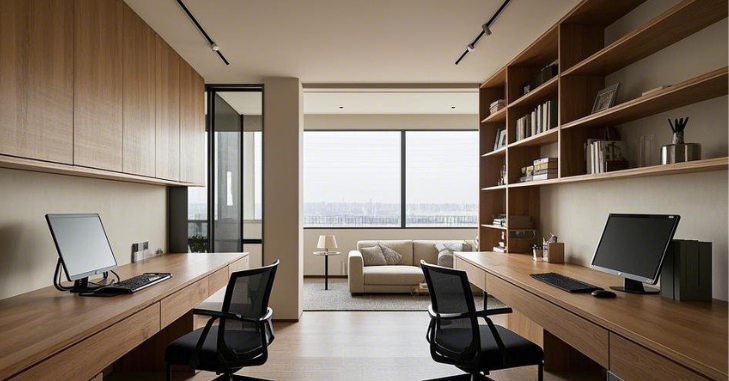
- Utilizes Corners: Makes optimal use of corner spaces for dual workstations.
- Minimal Clutter: Sleek desk designs maintain an open feel.
- Convenient Storage: Incorporate under-desk filing cabinets or shelves.
4. Long Desk with Two Stations
- Modern Look: Simple, streamlined design enhances room aesthetics.
- Defined Individual Zones: Use contrasting chairs or desk mats to differentiate work areas.
- Cable Management: Keep cords tidy with cable trays or clips.
Furniture and Accessories Essentials
Desks and Chairs
Select durable desks made from solid wood or metal frames paired with ergonomic chairs featuring adjustable height and lumbar support to maintain comfort through long workdays.
Storage Solutions
Blend shared shelving units for communal supplies with personal drawers or cabinets to keep tailored items organized and easily accessible.
Lighting
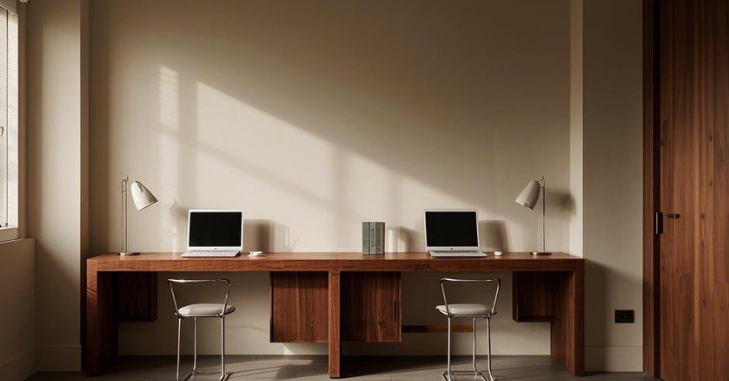
Optimize lighting by combining overhead fixtures with adjustable task lamps. Position desks near windows to take advantage of natural daylight, which boosts mood and productivity.
Acoustic Comfort and Noise Management in a Double-Desk Home Office
Sharing a home office often introduces sound-related challenges that can affect focus and productivity. Incorporating acoustic solutions helps maintain a calm, distraction-free environment for both users. Soft furnishings such as rugs, curtains, and upholstered chairs naturally absorb sound and reduce echo.
Acoustic wall panels or felt boards can further minimize noise while doubling as stylish décor elements. For added control, noise-canceling headphones or white noise machines allow each person to tailor their auditory environment without disrupting the other.
Design Tips for Personalizing Your Workspace
- Add Artistic Touches: Display artwork, motivational quotes, or personal photos to create an inspiring atmosphere.
- Introduce Greenery: Indoor plants improve air quality and bring freshness to your office environment.
- Play with Colors: Choose calming neutrals for focus or vibrant hues to energize the space.
- Define Zones: Use area rugs, accent colors, or decorative dividers to differentiate individual work areas.
Adapting the Double Desk Home Office for Specific Needs
For Couples
Create a cozy and functional office with matching furniture styles and shared decorative elements like framed photographs or mementos from travels, blending work and personal lives harmoniously.
For Families
Design a multi-purpose workspace with adjustable-height desks accommodating children’s growth and incorporate a shared chalkboard or whiteboard for family scheduling and brainstorming sessions.
For Roommates
Maintain personal identity by providing separate storage units and allowing unique accessories that reflect individual tastes and styles in the shared office space.
Boosting Productivity in Shared Workspaces
- Set Boundaries: Agree on noise control and personal space to minimize distractions.
- Keep It Clutter-Free: Regularly declutter desks to maintain focus and efficiency.
- Ensure Reliable Connectivity: Invest in strong Wi-Fi to support multiple devices seamlessly.
- Create Break Zones: Designate a small area for relaxation to recharge and boost overall productivity.
Tips for Maintaining Harmony
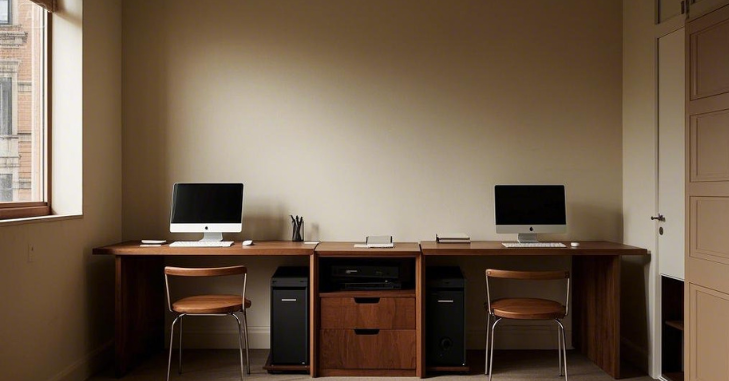
Sharing your workspace can be rewarding but also challenging. Here are expert tips to foster harmony in your double-desk home office:
1. Establish Boundaries
Communication is crucial. Discuss and agree on boundaries regarding noise, desk usage, and personal space. Setting schedules can help each person manage their workload effectively. Discuss work hours
2. Schedule Breaks
Encourage regular breaks to prevent burnout and maintain mental clarity. Taking breaks together can also strengthen working relationships and provide a social outlet during the day.
3. Be Flexible
Adaptability is vital in shared spaces. Be willing to adjust your work hours or setup as needed. Understanding and accommodating different work styles will improve collaboration and reduce friction.
4. Respect Each Other’s Needs
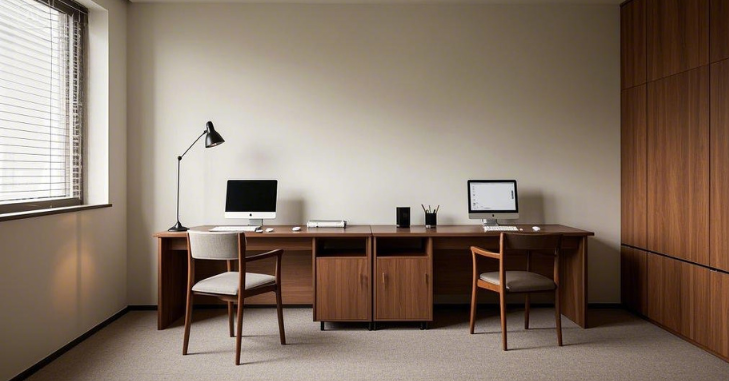
Recognize different working preferences — some prefer silence, while others enjoy background activity. Respecting these differences helps create a peaceful and productive workspace.
5. Regularly Reevaluate the Setup
As work demands evolve, periodically reassess furniture placement, lighting, and storage to ensure maximum comfort and efficiency for all users.
Conclusion
A double-desk home office brilliantly combines style, functionality, and collaboration, making it an excellent choice for shared workspaces. With intentional planning, quality furniture, and personalized décor, you can cultivate a workspace where productivity and creativity flourish.
Whether designing for couples, families, or roommates, a thoughtfully executed double-desk setup adapts to your unique needs and adds elegance to your home.
If you’re interested in exploring Globe Lamp for Any Room, please check out our Home Improvement category for expert insights and ideas.
FAQs
Yes, a double desk setup is ideal for remote work as it promotes collaboration and maximizes productivity by providing dedicated, organized workspaces within a shared environment.
A double-desk home office features two desks arranged to allow two individuals to work efficiently and comfortably within the same space, supporting both collaboration and personal work needs.
Maintain harmony by communicating clear boundaries, scheduling breaks, respecting each other’s work habits, and being flexible to accommodate changing needs.
The best layout depends on your space and needs; popular options include side-by-side for collaboration, back-to-back for privacy, L-shaped for corner usage, and long desks with distinct workstations.
Personalize by adding artwork, plants, color themes, and unique accessories, while using rugs or dividers to define individual zones.